Appearance
Step 4: Push Website Live
Fresh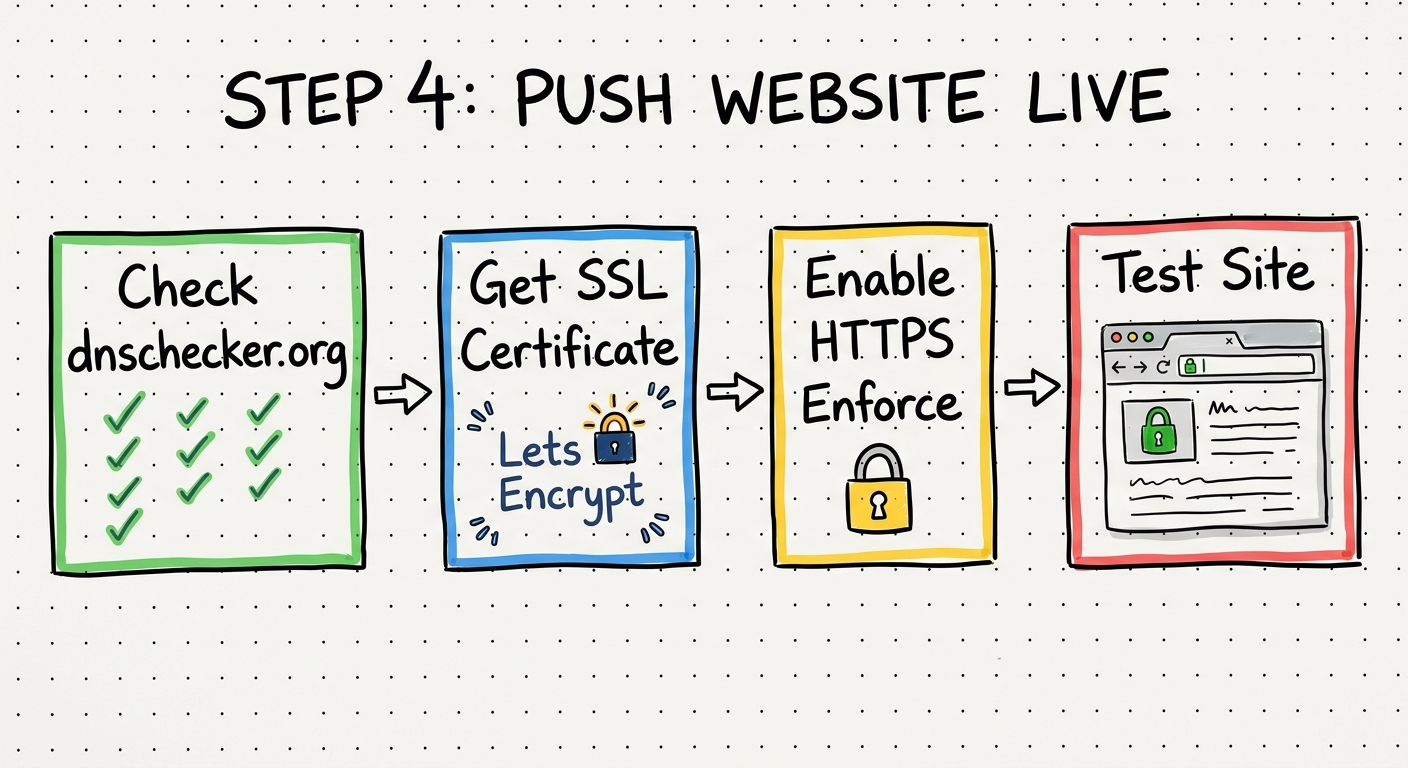
Overview
Verify DNS propagation, install an SSL certificate, and confirm the site loads securely.
Procedure
1. Verify DNS Propagation
- Go to dnschecker.org
- Search your domain
- Confirm you see green checks on the A record
- You need at least a couple green checks to proceed
2. Install SSL Certificate
- Go to SiteGround
- Navigate to Security then SSL Manager
- Find your domain
- Select Let's Encrypt and click Get
- Wait for the certificate to install
3. Enable HTTPS
- In SiteGround Security, click on HTTPS Enforce
- Toggle it on
4. Test the Site
- Open a browser
- Navigate to your domain URL
- Confirm the site loads
- Confirm the padlock icon (HTTPS) is showing
Ugly is Fine
The site does not need to look good. It just needs to load, be secure, and have content relevant to your business category.
Tools Used
| Tool | Purpose |
|---|---|
| dnschecker.org | DNS propagation verification |
| SiteGround | SSL certificate and HTTPS |
Output
At the end of this step you should have:
- A live website accessible via HTTPS
- SSL certificate installed and enforced
- Site content visible and loading correctly
Next Step: Step 5: Index The Website